In today’s digital landscape, delivering interactive and personalized experiences is key to capturing user attention. Tools like chatbots and microinteractions have become essential components of modern web design. However, their implementation must be handled carefully to avoid compromising a site’s aesthetics or usability. This article explores how to integrate these elements without sacrificing visual design.
Why Use Chatbots and Microinteractions?
Chatbots: Enable automated customer support, simplify navigation, and drive conversions—even outside business hours. They also collect valuable user data.
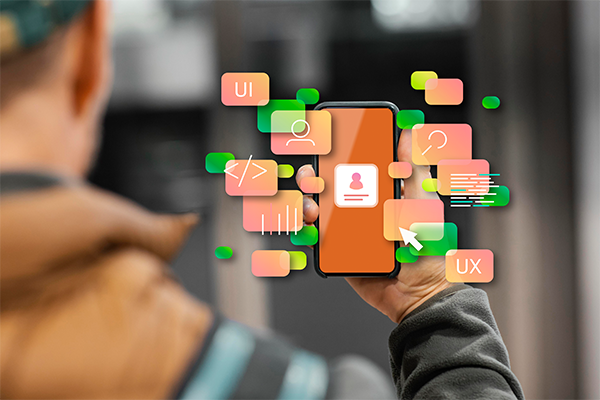
Microinteractions: Small visual or behavioral responses to user actions, such as animations on click, color changes on hover, or visual confirmations after submitting a form. These subtle cues enhance user experience (UX) and make interfaces feel alive and responsive.
Common Mistakes When Integrating These Features
- Overloading the site with unnecessary or intrusive animations
- Using chatbots that block content or distract from the main objective
- Visual inconsistencies between the chatbot design and the site’s identity
- Lack of accessibility or slow loading times
Keys to Aesthetic and Functional Implementation
1. Chatbot Design
- Customize the chatbot’s style to match the brand’s visual identity
- Use a clean, non-intrusive interface
- Allow users to easily minimize or close it
2. Strategic Use of Microinteractions
- Use them to reinforce key actions: add to cart, submit forms, save items
- Avoid overuse—microinteractions should be subtle and purposeful
- Ensure they work seamlessly on mobile devices
3. Technical Optimization
- Prioritize performance: animations should be lightweight and optimized
- Test load times after integrating chatbots or third-party scripts
- Ensure cross-browser compatibility and follow accessibility best practices
4. Seamless Integration
- Interactive elements should follow the site’s visual hierarchy
- Avoid interrupting reading or navigation flows
- Maintain typographic and color consistency
Successful Use Cases
- Slack: Elegant microinteractions that reinforce a minimalist design
- Zendesk: A chatbot integrated with a clean, user-focused aesthetic
- Duolingo: Subtle animations that motivate without overwhelming visually
Conclusion
Carefully and strategically integrating chatbots and microinteractions can significantly enhance user experience without compromising aesthetics. The key is to design with intention, optimize technically, and respect the brand’s visual identity. Done right, your website will not only be more functional, but also more engaging and memorable.