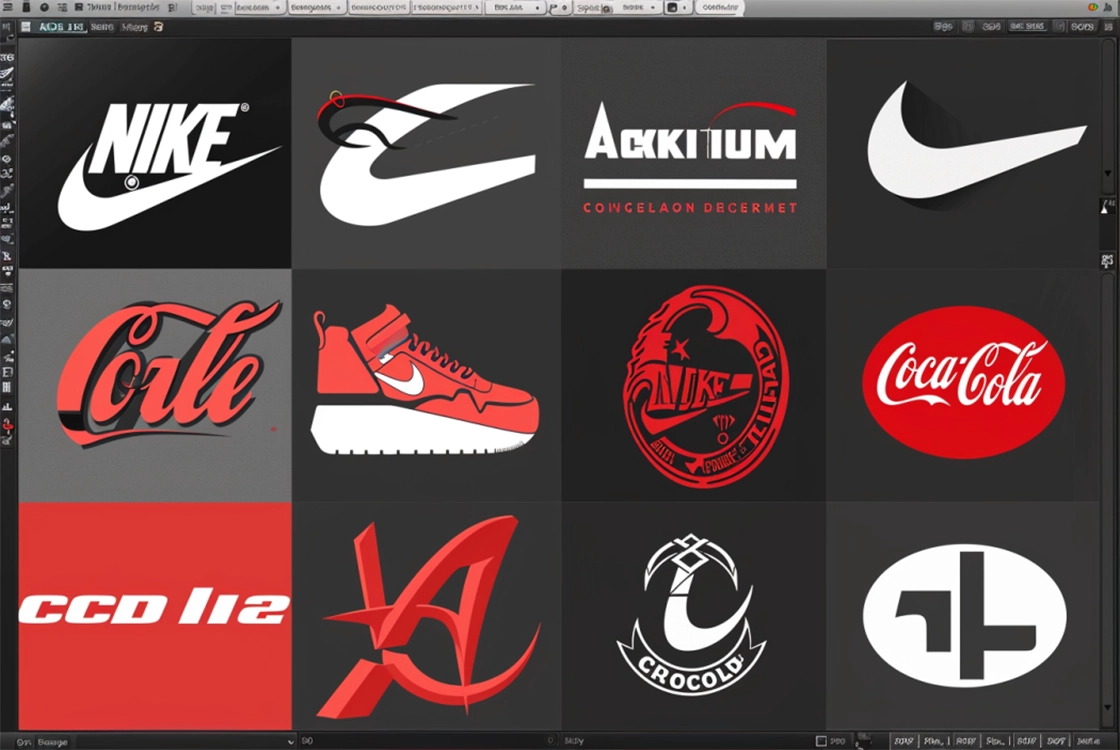
Hello designers and digital art enthusiasts! When it comes to creating impactful logos, having the right tools can make the difference between a design that goes unnoticed and one that becomes iconic.
If you’re searching for the best software to design logos, you’re in the right place. Here’s a review and comparison of the top logo design tools to help you choose the one that best fits your needs. Grab your drawing tablet—let’s dive into the world of design software.
Adobe Illustrator: The Vector Design Giant
Key Features:
Adobe Illustrator is the gold standard for vector design. It offers advanced tools for creating precise and scalable logos. Its Bézier curve system and ability to handle complex geometric shapes make it the go-to choice for professional designers.
Pros:
- Powerful set of vector design tools
- Seamless integration with other Adobe apps like Photoshop and InDesign
- Extensive library of resources and tutorials
Cons:
- Steep learning curve for beginners
- Requires an Adobe Creative Cloud subscription, which can be costly
CorelDRAW: The Versatile Competitor
Key Features:
CorelDRAW is a strong alternative to Illustrator, known for its user-friendly approach and versatility. It provides a wide range of vector tools and supports multiple file formats.
Pros:
- Intuitive and easy-to-learn interface
- Robust vector design capabilities
- Includes additional tools like Corel PHOTO-PAINT for image editing
Cons:
- Less widely recognized than Illustrator, with fewer tutorials available
- Not as commonly used across the industry
Canva: Design for Everyone
Key Features:
Canva is a web-based design platform known for its simplicity and accessibility. It’s ideal for beginners and offers ready-made templates for quick logo creation.
Pros:
- Intuitive and beginner-friendly interface
- Large selection of templates and graphic assets
- Free version available with essential features
Cons:
- Limited customization compared to traditional vector software
- Not suitable for advanced design needs
Inkscape: The Open-Source Powerhouse
Key Features:
Inkscape is a free, open-source vector design tool. It offers a comprehensive set of features for logo creation and supports a wide range of file formats.
Pros:
- Completely free and open-source
- Strong vector design capabilities
- Active community and extension support
Cons:
- Interface is less polished than other tools
- Fewer learning resources compared to Illustrator and CorelDRAW
The Best Software for Logo Design
Choosing the best logo design software depends on your needs and experience level. If you’re a professional looking for advanced tools and flexibility, Adobe Illustrator is the clear choice. If you prefer a more accessible yet powerful option, CorelDRAW is a great alternative.
For beginners or quick projects, Canva is ideal, while Inkscape offers a powerful and free open-source solution.