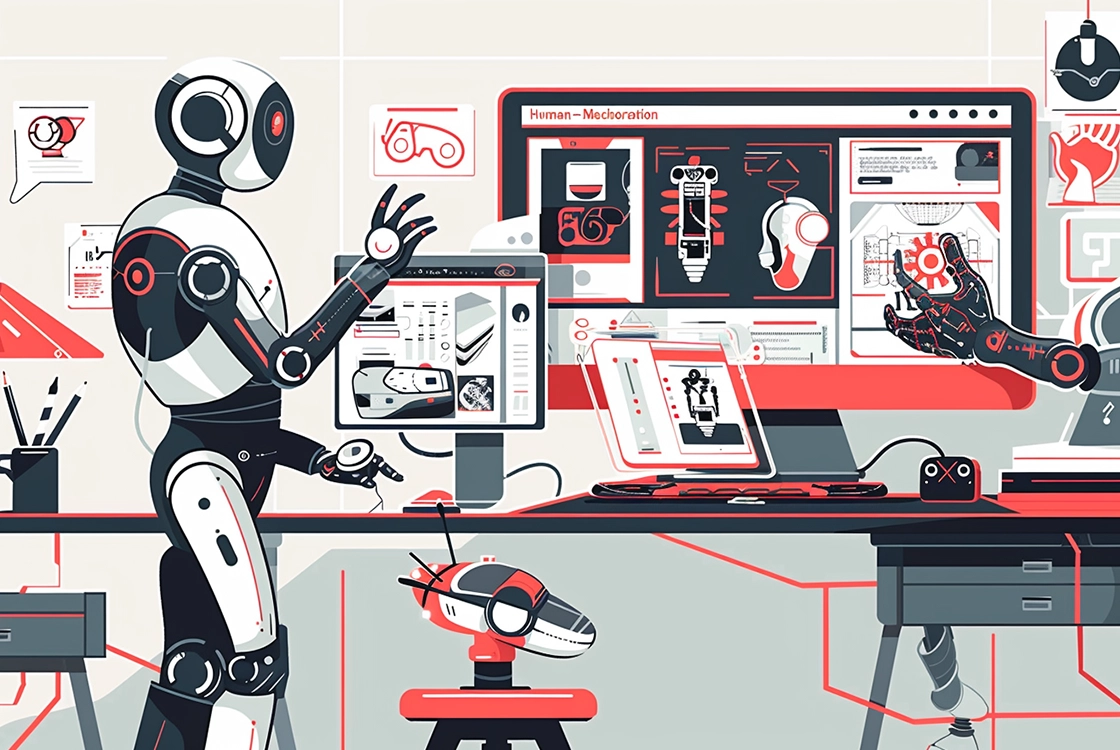
Hello designers and AI enthusiasts! Artificial intelligence (AI) is transforming the world of graphic design—helping designers automate tasks, generate content, and work more efficiently.
If you’re looking to leverage AI in your design projects but don’t know where to start, you’re in the right place. Here are practical tips to help you integrate AI into your workflow, boost productivity, and enhance creativity.
Understand AI’s Capabilities
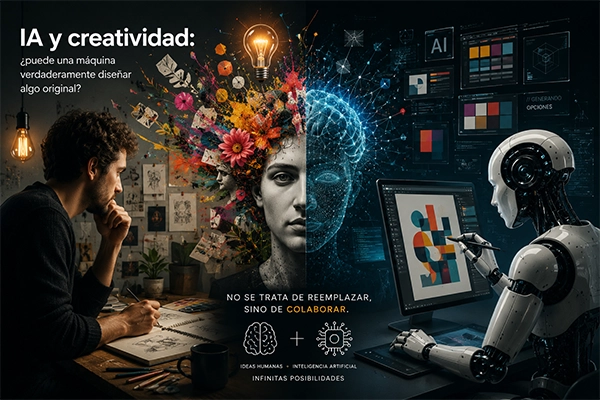
The first step in integrating AI into your design projects is understanding what it can—and can’t—do. AI can automate repetitive tasks, analyze data, and generate content, but it doesn’t replace human creativity.
By understanding its capabilities, you can use AI effectively as a complement to your skills.
Examples of what AI can do:
- Automate routine tasks: Image cropping, color correction, and content optimization
- Analyze data: Identify patterns and trends in design
- Generate content: Create images, graphics, and digital artwork
Choose the Right AI Tools
There are many AI tools available for graphic design. Select the ones that best match your needs and skill level.
Tools like Adobe Sensei, Canva Pro, and DALL·E offer AI-powered features that can significantly improve your workflow and creative output.
Popular AI tools for graphic design:
- Adobe Sensei: Automation and optimization within Adobe tools like Photoshop and Illustrator
- Canva Pro: Simplifies visual content creation with AI-driven features
- DALL·E: Generates images from text prompts—great for inspiration and unique visuals
Automate Tasks to Save Time
AI excels at handling repetitive and time-consuming tasks, allowing you to focus on the creative side of design.
Use AI to streamline processes such as image editing, color adjustments, and content organization.
Examples of tasks you can automate with AI:
- Automatic image cropping: Detects and isolates subjects
- Color optimization: Enhances and balances color palettes
- Content organization: Tags and categorizes assets for easier access
Generate Ideas and Inspiration with AI
AI can also serve as a powerful source of inspiration. Tools like DALL·E and Midjourney can generate creative visuals based on text prompts, helping you explore new directions.
How to use AI for inspiration:
- Image generation: Create visuals from concepts or descriptions
- Explore new styles: Experiment with different aesthetics
- Design variations: Generate multiple versions and refine the best option
Maintain Creative Control
While AI is powerful, it’s essential to maintain creative control. AI should enhance your work—not replace your vision.
Always review and refine AI-generated outputs to ensure they align with your style and objectives.
Tips to maintain creative control:
- Review and refine: Adjust AI outputs to match your vision
- Combine AI with human creativity: Let AI assist, but make final decisions yourself
- Avoid over-reliance: AI is a tool—your creativity is the differentiator
AI as Your Creative Ally
Integrating AI into your design projects can significantly improve both efficiency and creativity. The key is to use AI as a complement to your skills—freeing you up to focus on what truly matters: creating impactful design.